
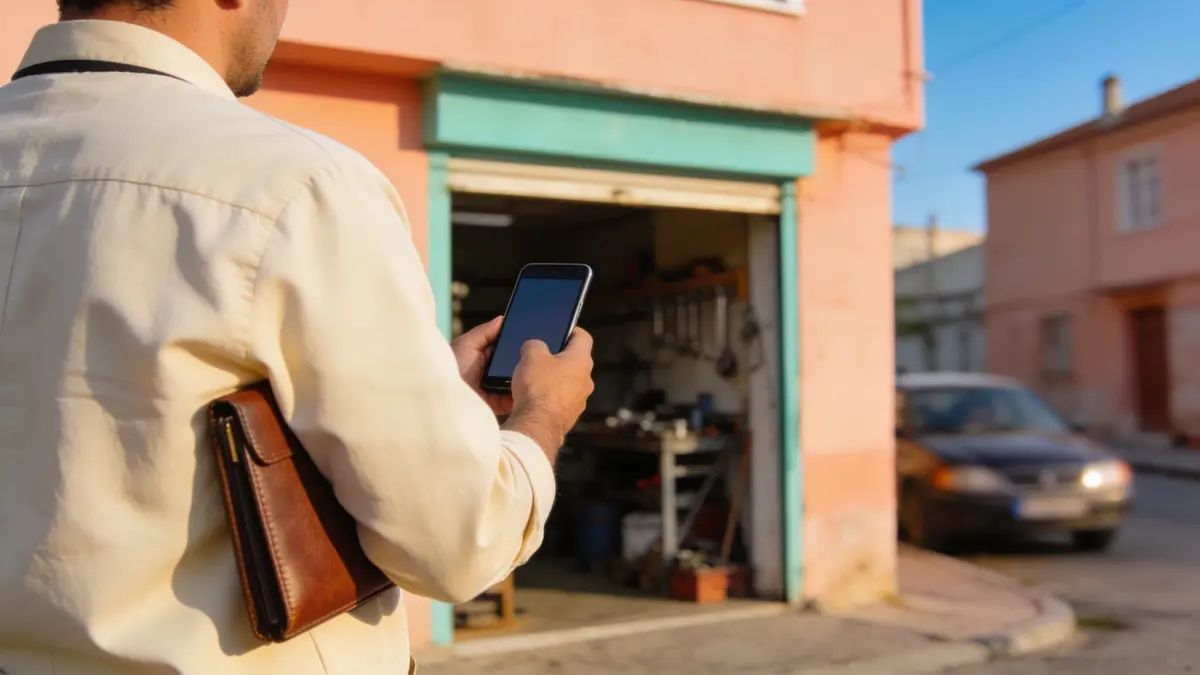
Mobile CRM is the use of a CRM that opens the customer record, tasks, and approvals on a phone. A salesperson in the field reads the card before knocking on the customer's door and writes the note after leaving; a manager sees a pending approval between meetings. The value of mobile CRM does not come from a separate app on the phone; it comes from the record on the phone being the same record as in the office.
01.What is mobile CRM?
Mobile CRM means reading and updating the customer record, tasks, and approvals in a CRM from a phone or tablet.
For a team working in the office, the CRM is the screen on the desk. For someone working in the field, most of the day is spent in the car, at a customer's site, or on a building site. When that person can only get into the CRM in the evening, everything learned during the day is carried in memory. A note written in the evening is thinner than one written on the spot, and some notes are never written at all.
Mobile CRM closes that gap. What is learned in the field goes into the record where it happens, and the office team sees it at the same time. The field team's routes and visit plan are a separate subject; the article on field sales automation covers visit plans and the field team's reporting.
02.What should the phone in the field show?
The phone should show a summary of the customer card, recent conversations, open quotes and tasks, pending approvals, and a quick note field.
A phone screen is small; a mobile CRM that tries to show everything shows nothing quickly. The question in the field is narrow: what did we last discuss with this customer, is there an open quote, is anything waiting on me. If the screen answers those questions, it is enough.
The hardest part of moving to mobile CRM is changing habits, not screens. If a salesperson has long written notes in the phone's notes app or their own WhatsApp group, the new screen looks like extra work for the first weeks. Keep the rule simple: a one-sentence note as soon as the conversation ends, before leaving the building. When the manager talks through those notes in the morning meeting, writing them visibly pays off.
- A summary of the customer card: who, which stage, who owns it.
- Recent conversations: phone, messages, and email in one list.
- Open quotes and jobs awaiting delivery.
- Tasks assigned to the person and today's visits.
- Pending approvals: discount, leave, expenses.
- A short note field to fill in the moment a conversation ends.
03.Mobile app or mobile-friendly site?
If you need notifications, the camera, and quick opening, use a mobile app; if occasional reading is enough, a browser screen that fits the phone will do.
| Topic | Mobile app | Mobile-friendly browser |
|---|---|---|
| Notifications | Approval and task notifications reach the phone | Limited unless the browser is open |
| Opening | Opens with one tap | Needs an address and a session |
| Camera and files | A photo can be added straight to the record | Needs a file picking step |
| Installation | Downloaded and updated from the store | Nothing to install |
| Best suited to | A team that spends most of the day in the field | A manager who checks records now and then |
Example scenario: picture a team in Konya selling to farm machinery dealers. If the salesperson spent most of the day on the road between dealers, a discount approval arriving on the phone as a notification could close the negotiation the same day. The same company's accounts manager, who looks at records a few times a week, could work comfortably from the browser.
04.When is offline working needed?
For a team working on building sites, in warehouses, or on rural visits with weak coverage, offline notes with later synchronisation are a selection criterion.
Offline working means a record written without a connection is added to the main record once the connection returns. It looks simple on paper; when the same record changes in two places, the question arises of which one is valid. So ask about offline working in terms of the field's real connection. When choosing, ask to see in the demo what happens to a note written while the connection is down.
05.What happens to customer data if a phone is lost?
The data should live on the server-side record, not on the phone; when a phone is lost, its session should be closable and its access removable.
Article 12 of Law No. 6698 requires the data controller to take technical and administrative measures that provide an appropriate level of security to prevent unlawful access and to keep the data safe. The phone in the field is the most exposed point of those measures. In a set-up where the customer list moves into the phone's contacts or a personal messaging app, the data leaves the company's control.
The arrangement to expect from mobile CRM is this: the record stays on the server and the phone only accesses it; each user's rights are limited by role; the access of someone who leaves the team is closed centrally. This article is not legal advice; talk to your data protection adviser about your own measures.
06.How does Corex360 work on a phone?
Corex360 has iOS and Android apps connected to the same core; the record on the phone is the same record as in the office, and every approval is recorded with who, when, and from which device.
The modules are not separate products; they are parts of one core, use the same customer record, and information is entered once. Because the app connects to that core, what is written in the field does not wait in a separate mobile database. X AI's morning report and end-of-day summary appear in the iOS and Android apps and in the browser.
Approvals are recorded with who gave them, when, and from which device, so a manager sees the trail of an approval given in the field from the office too. The mobile app questions page gathers common questions about the app; you can see the customer record itself on the CRM module page.
Sources
How was this page prepared?
- Written by: Şevket Erer, Co-founder, AI Specialist
- Sources: legislation, official body, and vendor information is taken from the primary sources in the Sources list on this page; each source shows the date it was last checked.
- Product information: sentences about Corex360 rest on the company's product fact records; unconfirmed features are not written.
- Use of AI: the Corex360 team writes the text; AI tools are used for drafting and translation. Publishing principles
- Dates: first published . Corrections policy
Frequently asked
01What is mobile CRM?
Mobile CRM is the use of a CRM that lets you read and update the customer record, tasks, and approvals from a phone or tablet. Its value comes from the record on the phone being the same as the one in the office.
02Who needs mobile CRM?
Sales, service, and field teams who spend most of the day at customers' sites, on the road, or on building sites need it, as do managers who want to give approvals without waiting to get back to their desk.
03What is the difference between an app and using the browser?
An app gives you notifications, the camera, and one-tap opening; the browser needs no installation. An app suits a team that spends most of the day in the field, and the browser suits someone who checks records now and then.
04Should mobile CRM work offline?
For a team working where coverage is weak, offline notes with later synchronisation are a selection criterion. Ask the vendor which version counts when the same record changes in two places.
05Is customer information at risk if a phone is lost?
If the record lives on the server rather than the phone, and the phone's session can be closed centrally, the risk is contained. Article 12 of KVKK, Turkey's data protection law, requires the data controller to take appropriate security measures. This answer is not legal advice.
06Does Corex360 have a mobile app?
Yes. Corex360 has iOS and Android apps connected to the same core. X AI's morning report also appears in the app, and every approval is recorded with who, when, and from which device.
Quotes, Contracts, Projects, and Finance are tabs on the same customer card; let us open one of your own customers on that card together.
Related articles
Keep reading.

CRM is software that keeps the customer relationship on one record. In an SME sales day, the customer card, opportunities, quotes, and follow-up work together.
DateRead the article01CRMCustomer tracking in Excel or a CRM: which one, and when
When is Excel enough for tracking customers, and when is it time for a CRM? Weigh the criteria, see the limits of each, and spot the signs early.
DateRead the article02CRMCRM migration checklist: moving from Excel step by step
How do you move an Excel customer list into a CRM? Map the columns, remove duplicates, fix phone formats, assign owners, and retire the old file last.
DateRead the article03CRMWhat is lead scoring: which prospect to call back first
Lead scoring rates prospects against your own criteria and ranks whom to call back first. The criteria, building a model, common errors, and data law.
DateRead the article04CRMHow to choose a CRM: cloud, own server, one core
Choosing a CRM starts with where you lose customers, not a feature list. A feature you never try with your own card in the demo will not help after setup.
DateRead the article05CRMWhat drives CRM cost: the decisions behind the price table
CRM cost is shaped by users, module scope, hosting, data migration, integrations, setup, and training. Ask the vendor about each of these items separately.
DateRead the article06CRMCRM data migration: exporting, mapping fields, and running both systems for a while
Switching CRM means taking a full export from the old system, mapping its fields to the new one, and running both side by side for a short, planned period.
DateRead the article07CRMHow to track sales: from opportunity to quote, and from quote to contract
Sales tracking keeps each opportunity's source, stage, and next step on record. What the card holds, how to spot a stalled deal, and why losses are logged.
DateRead the article08