

Manager dashboard
The management dashboard: the whole company,
in one morning summary.
The manager dashboard is the Corex360 desktop: pending approvals, task management, the calendar and active projects open on the same screen. Vehicles, messages, calls, quotes, contracts, files, invoices, attendance and projects sit on one core, and each one follows a rule you wrote. When a rule breaks, X AI asks you; you make the decision.
Short answer
What is the manager dashboard?
The manager dashboard is the Corex360 desktop: Pending Approvals, Task Management, Calendar and Active Projects open on the same screen. X AI reports every morning and sums up at day's end; money, contract and people decisions wait for your approval. The morning briefing lists pending approvals, risks, team scores and field status.
A manager's day · illustrative
From eight in the morning to six in the evening, one screen.
This manager's day is a scenario; the times and records are examples. The flow follows how Corex360 works: the core reads, the rule runs, the assistant asks, the manager decides. The day starts with the morning briefing; a quote is approved by looking at the card, contract dates sit on the card, the field reports on itself, money and people decisions are asked of you, and the day closes with a plan.
Briefing
You start the day without asking anyone.
Before coffee there is one list on your phone: what needs a decision today, which jobs are at risk, who is where. You call nobody; the list finds you. X AI has read the core overnight and ranked it by the rules you wrote.
Approval
You approve the quote by looking at the card.
Sales prepared the quote. On the card sit the customer's past conversation, the previous contract and the open invoice. You approve; the quote goes by email and is logged. No file searched, no call made.
Contract
The dates sit on the card.
The contract's start and end dates sit on the contract card; the signed document is tied to the same record in Corex Drive, and so is the note to your legal team. The renewal decision is yours; how the notice period is followed up is something we go through in the demo with your own contract.

Field
The field speaks for itself.
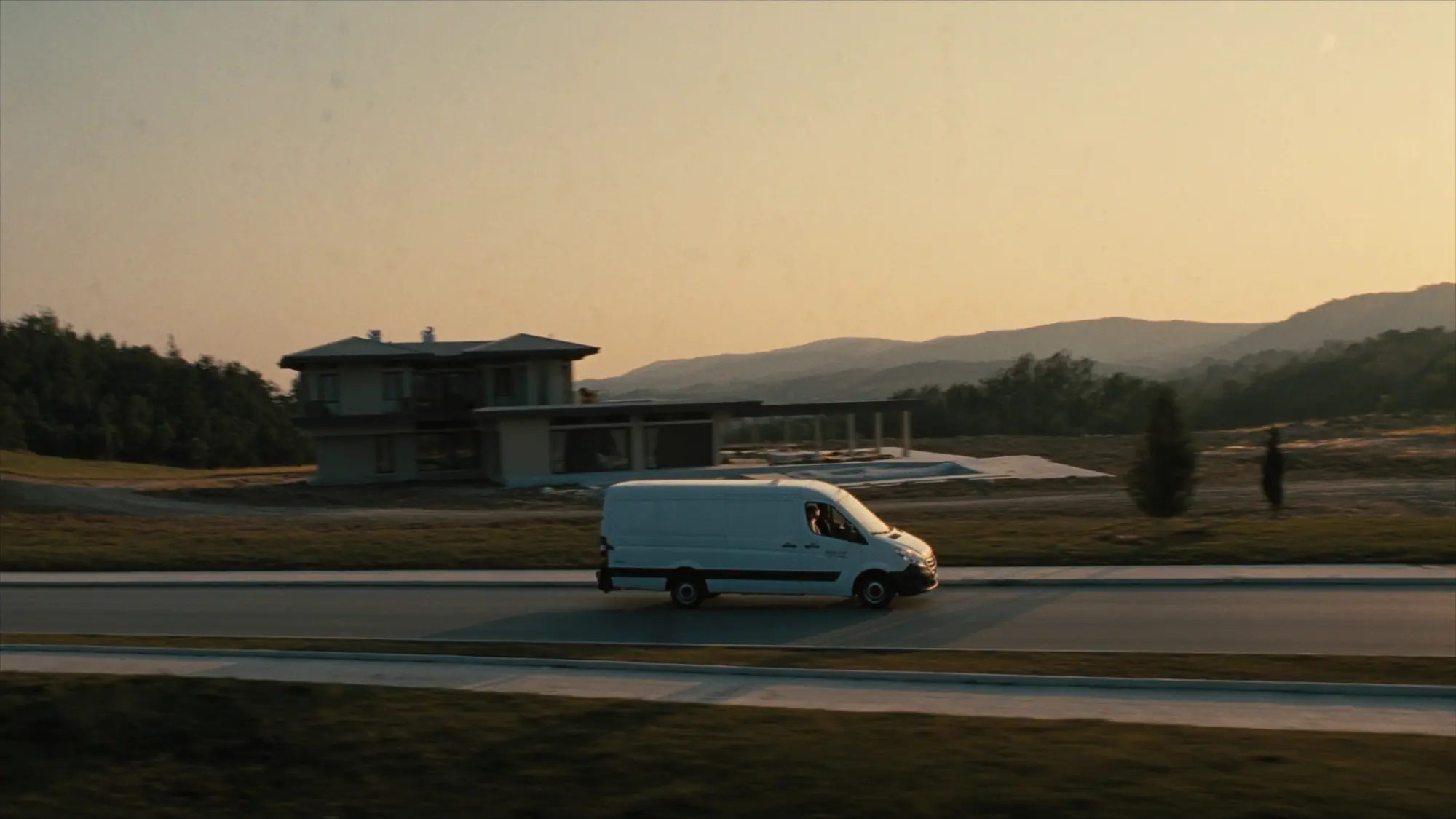
As the field team closed their tasks, each one landed on the record; you saw which jobs were done without calling anyone.
People and money
Decisions on money and people are asked of you.
Advance, leave, sending, discount and permission steps wait for your approval; X AI stops and asks on money, contract and people decisions. You approve, the record forms on its own. The decision stays with you, the running around does not.
Close
The day closes against the plan.
What was planned and what happened, on one screen. Closed work, slipped deliveries and approvals carried to tomorrow are clear. You ask nobody "what happened"; tomorrow's briefing is already being prepared.

Why it is possible
Every desk on one core.
When every desk runs its own software, nobody sees the whole: fleet tracking on one panel, WhatsApp on the salesperson's phone, the contract in a folder, the invoice in accounting. In Corex360 these areas sit on the same core; the intelligence core reads them together, and when a rule breaks X AI finds you. You do not chase problems one by one; you see the whole picture and decide.
Rule
How is work tied to a rule?
Corex360's assistant X AI follows rule-bound work; when a rule breaks it opens a task and assigns an owner. The company stops depending on one person's memory; decisions on money, contracts and people still stay with you. The example rule is quote follow-up: a quote is sent, and if no reply comes a reminder goes out and a task opens.
- What happenedQuote sent
- What is missingNo reply
- Follow-upReminder + task
We thought in your place
If we were the manager, what would we want?
The list holds sentences you know from your own desk; opposite each is what Corex360 does today. Knowing what happened without asking in the morning, approval requests that arrive with their context, contract terms and late payments that do not slip past, seeing the field without calling, and data that stays in your hands are among them.

- I would want
Know what happened this morning without asking anyone.
Corex360 The morning briefing is on your phone; X AI prepares it, you read it.
- I would want
If something waits for my approval, let it come with its context.
Corex360 The approval request arrives with the customer card, the contract and the invoice; you approve with full information.
- I would want
Contract deadlines, service dates and late payments should never slip past me.
Corex360 X AI follows rule-bound work; when a rule breaks it opens a task, and the matter comes to you in the morning briefing.
- I would want
See what the field is doing without calling.
Corex360 Tasks sit in the Tasks tab of the customer card; which job is done shows without a phone call.
- I would want
I should command the software, not the other way round.
Corex360 X AI proposes, you decide; on money, contracts and people it stops and asks you.
- I would want
My data should stay in my hands.
Corex360 Corex360 Cloud or your own server; the same security layer and logged access in both.
See it in your own morning.
We build the demo with your records: your contract, your vehicle, your team. In the call you watch the Corex360 morning briefing on your phone, a quote awaiting your approval with its context on the card, and a task opened by a broken rule, using your own data. You can reach us through the demo form, WhatsApp or phone; if you have a question, write to us directly.
Corex360 modules
Which modules work on the manager's desk?
The modules on the manager's desk are parts of the same Corex360 core; each card shows the hour of the day it steps in. The intelligence core reads the records and turns risk into tasks, and X AI prepares the briefing and approval requests. The CRM (customer relationship management) brings customers, quotes and contracts, Accounting the finance record, HR and attendance leave and clock-ins, and Projects and fleet tracking the field onto the same core.
Intelligence core
Reads the records, turns risk into a task.
X AI
Briefing, reminders, approval requests.
CRM
Customer, opportunity, quote, contract on one card.
Messaging and PBX
WhatsApp, email and call history on the card.
Corex Drive
Signed contracts and legal files tied to the record.
Projects and fleet
Field reports, position, service threshold.
Accounting
The finance record on the customer card.
HR and attendance
Leave, advances, clock-ins; approval from the phone.
FAQ
What managers ask.
The questions a manager researches when looking for software, and Corex360's answers.
01What is the difference between CRM and ERP; does a manager need both?
CRM manages the customer relationship, ERP (enterprise resource planning) the company's inner workings (projects, accounting, staff, vehicles). Corex360 keeps both sides on one core; the manager follows both from one briefing. The difference is laid out in a table in CRM vs ERP.
03How does a manager follow the company without reading reports?
In Corex360 a manager follows the day through the morning briefing. X AI reads the customer, contract, invoice, staff, vehicle and project records in the core and ranks pending approvals and risks by the rules the manager wrote. Every record still exports when a report is wanted; the difference is that a matter needing a decision does not wait for month end. Where the weekly spreadsheet stalls is shown in the limits of Excel reporting.
05Do fleet tracking, attendance and CRM really run in one system?
Yes. In Corex360 the fleet account and the attendance device connect to the core; visit, vehicle position and clock-ins sit on the same customer and staff records. Next to a late clock-in you see where the vehicle was at that hour; the manager does not have to ask for an explanation.
07Do I need a technical team to write an automation rule?
In Corex360 X AI follows rule-bound work; when a rule breaks, it opens a task and assigns an owner. Follow-up no longer depends on one person's memory.
02What does business intelligence do for a small company; is it not a big-company thing?
Business intelligence is the layer that reads the records and brings forward what needs a decision. In Corex360 that layer is not a separate reporting tool but the core itself: it carries the late quote, the contract about to end and the missing attendance record into the morning briefing, by the rules the manager wrote. No separate data team is needed. Choosing the briefing's measures is covered in building a KPI dashboard.
04Is it safe to give approvals from the phone?
In the Corex360 iOS and Android app an approval request arrives together with the customer card, the contract and the invoice; every approval is logged with who, when and from which device. The Corex360 Security layer watches sign-in, device and permission; unusual access is reported by X AI.
06How should contracts and legal files be kept in the software under KVKK (Turkish data protection law)?
In Corex Drive a file is tied to the record and to permission: only those whose role allows it open the signed contract, and every open and download is logged. Personal data is processed under KVKK, Turkey's data protection law. If you wish, the installation runs on your own server.
08Should we run on our own server or in the cloud?
A company-specific space on Corex360 Cloud or your own server: the choice is yours; in both cases the same security layer and logged access run. If corporate policy does not allow the cloud, the installation is done on your own infrastructure; the update plan is written into the agreement.
Related articles
Keep reading.

A KPI dashboard gathers the indicators that show where a company stands against its goals on one screen, with thresholds and owners. Which indicators belong there, and why a dashboard slowly becomes a screen nobody opens.
DateRead the articleAssistantWhat is a rule engine in business processes: reminders, assignment, approval
A rule engine turns work held in memory into a written rule: trigger, condition, action. Which work belongs in a rule, where approval sits, and why the decision stays yours.
DateRead the articleBusiness intelligenceManagement report or decision screen: where the Excel report stops
A management report is a document that sums up a period for the person who has to decide; a report built in Excel freezes the moment it is made. Excel still does some jobs well; when the Monday report hits its limit, it is time to move to a decision screen.
DateRead the articleBusiness intelligenceWhat is business intelligence, and how does it differ from reports and KPI dashboards?
Business intelligence is a layered structure that links scattered records and brings forward what needs a decision. Its parts and where it is used.
DateRead the articleDigitalisationBuying business software with KOSGEB digital transformation support: who qualifies, what it asks
KOSGEB's SME Digital Transformation Support Programme gives non-repayable support towards the interest on an investment loan that small and medium-sized manufacturers take from a bank to buy new machinery, software, and hardware. The application rests on an approved digital maturity report.
DateRead the articleDocumentsHow to keep a contract archive (contract repository): signed documents, dates, and access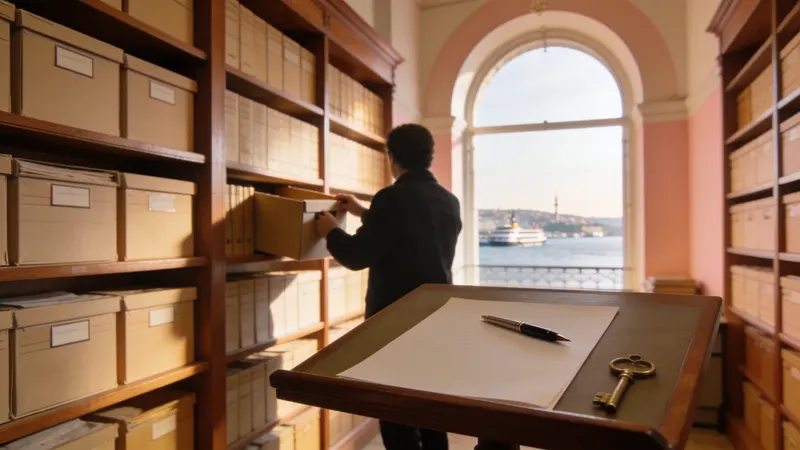
A contract archive is a system that keeps the final signed version of each contract, its annexes, and its start, end, and notice dates in a way that shows who opened it. In a good archive a contract is both easy to find and renewed on time.
DateRead the articleOther solutions
Which desk is yours?
Corex360 solution pages come in two groups. Pages by role follow a working day of the manager, the sales team, the field team, accounting and HR, customer service, the project manager and the architecture practice. Pages by need take one job each: customer tracking, quote tracking, leave tracking, unifying channels, handing follow-up to the assistant, measuring the team, or the hosting decision. All of them run on the same Corex360 core.
Sources
- Personal Data Protection Law (mevzuat.gov.tr) Last checked
Last updated