
On-premise CRM and ERP · Corex360 Security
On-premise CRM: on your own server or in the cloud,
the same security layer.
An on-premise installation is a setup in which the software runs on the company's own server instead of the vendor's cloud. Corex360 offers both: a company-specific space on Corex360 Cloud or your own infrastructure; the choice is written in the agreement. In both cases the same Corex360 Security layer runs; sign-in, device, download and permission are logged, and personal data is processed under KVKK (Turkey's personal data protection law).

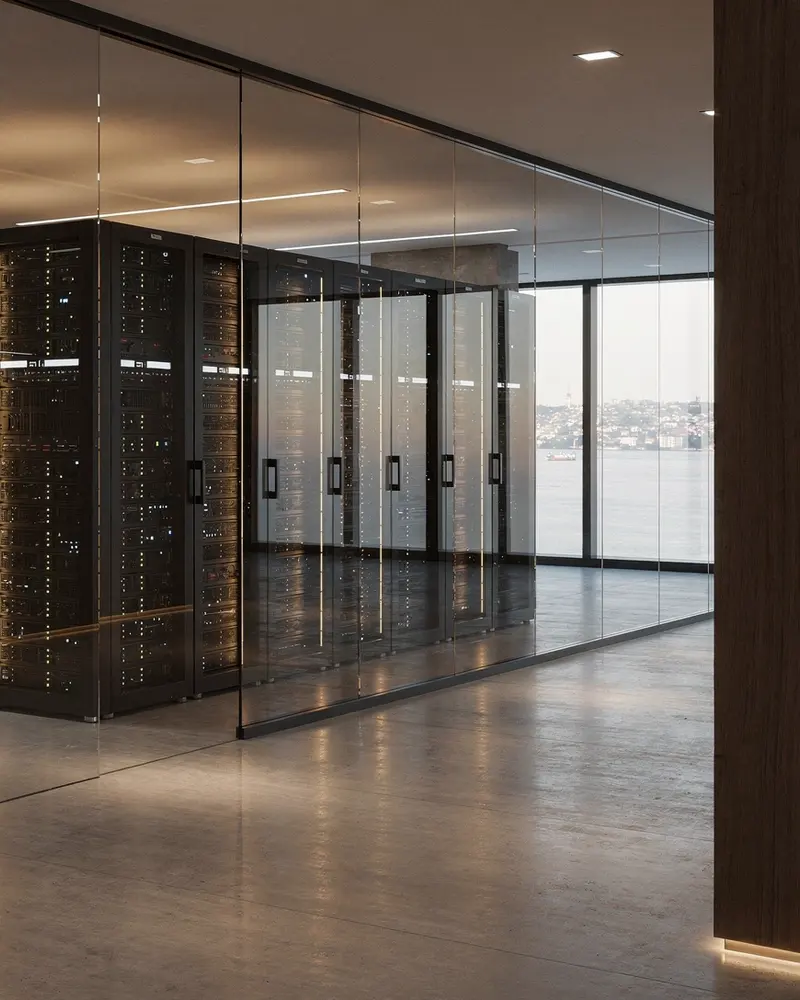
Short answer
Corex360 Cloud or your own server: the hosting choice is written into the agreement and access is role-based.

Today
Where is the data, who sees it?
When it stays unclear where the data sits and who sees it, the software decision stays unclear too. If corporate policy does not allow the cloud, a cloud-only product narrows the options. If the downloaded file, the opened payroll and the changed permission are not logged, the question of who saw what stays unanswered; who holds setup, updates and backup should be written in the agreement as well.
When the cloud is forced, no option remains
If your corporate policy does not allow the cloud, the software itself becomes the obstacle.
Who saw what is unclear
If the downloaded file, the opened payroll and the changed permission are not logged, the question stays unanswered.
Own server, on your own?
Who holds setup, updates and backup; where are the release notes? The answer should be written in the agreement.
Corex360 Security
Logging, monitoring, alerts: the layer does not change with hosting.
In the cloud or on your own server, the Corex360 Security layer does not change: logging, monitoring, alerts. Unusual access is reported to the account owner; every download and permission change is logged with who and when. Every user sees only the records within their role, and a permission change needs manager approval; personal data is processed under KVKK (Turkey's personal data protection law).
- Logged access
Sign-in, device, download and permission change are logged; role-based access is the same for everyone.
- Role-based permissions
Every user sees only the records within their role; a permission change needs manager approval.
- KVKK
Personal data is processed under KVKK (Turkey's personal data protection law); only those whose role allows it see personal data.
- Instant alert
Unusual access is reported to the account owner at once; you decide.
- SpaceCompany-specific
- ChoiceWritten in the agreement
- SecuritySame layer
- AccessRole-based · logged
Option · The hosting choice is written into the agreement.
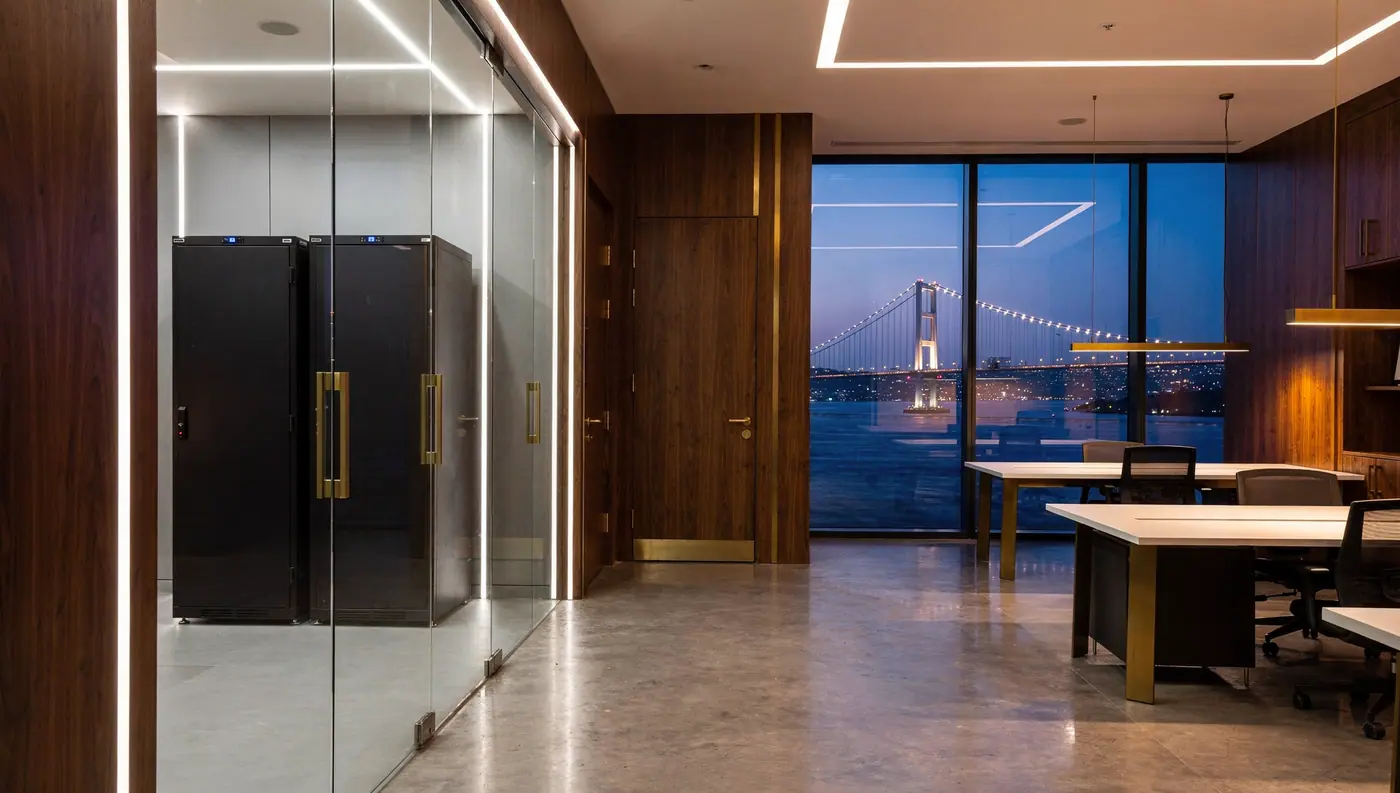
- SpaceYour own infrastructure
- ChoiceWritten in the agreement
- SecuritySame layer
- AccessRole-based · logged
Option · Server, disk and network under your control.
How it works
How is the hosting decision made?
In Corex360 the hosting decision starts with the agreement: Corex360 Cloud or your own server is chosen and the choice is written in the agreement. Then the same Corex360 Security layer is installed, role-based access is defined and the KVKK (Turkey's Personal Data Protection Law) frame for personal data is set. In the last step alerts go live; unusual access is reported to the account owner at once, and the decision stays with you.
- 01The choice in the agreement
Corex360 Cloud or your own server; the choice is written in the agreement.
- 02The layer is installed
The same Corex360 Security layer: logging, monitoring, alerts; role-based access is defined.
- 03The KVKK frame
Personal data is processed under KVKK (Turkey's personal data protection law) with role-based access.
- 04Alerts go live
Unusual access is reported to the account owner at once; the decision stays with you.
What changes
What changes when the choice is yours?
A corporate policy that does not allow the cloud does not block the software choice; the installation runs on your own infrastructure. Because download, open and permission change are logged with who and when, the question of who saw what has an answer. When hosting changes, the same Corex360 Security layer runs, and access rules and alerts stay the same.
Fits your policy
A corporate policy that does not allow the cloud does not block the software; the installation runs on your own infrastructure.
Who saw what is clear
Download, open and permission change are logged with who and when.
The same layer
Hosting may change; the same Corex360 Security layer runs.
Let us decide the hosting together.
If you have a question, write to us directly.
Corex360 modules
Which modules matter for hosting?
The hosting decision affects every module the same way, because they are all parts of one core. Corex360 Security runs logging, monitoring and alerts; Corex Drive ties each file to its record and permission. The CRM (customer relationship management) keeps customer data, and HR and attendance keep the staff card, with logged, role-based access; the intelligence core works the same under both hostings.
Corex360 Security
Logging, monitoring, alerts.
Corex Drive
Files tied to the record and the permission.
KVKK and data processing
Notice, consent, agreement.
Alerts
Unusual access reaches the account owner.
Intelligence core
The same under both hostings.
CRM
Customer data with logged access.
HR and attendance
Staff card and personal data role-based.
Hosting choice
Corex360 Cloud or your own server.
Open topics
Which details come up in the demo?
Planning a Corex360 own-server installation means answering these questions for your own infrastructure: sizing the server you need and how setup runs, who holds updates and maintenance, backup arrangements and the recovery plan, the scope of the data processing agreement, what the local model needs from the server, and which X AI tasks run on it.
- Server
Sizing the server you need and how setup runs.
- Updates
Who holds updates and maintenance, and how they are planned.
- Backups
Backup arrangements and the recovery plan.
- KVKK
The scope of the data processing agreement.
- X AI
What the local model needs from the server, and which X AI tasks run on it.
FAQ
About hosting, what people ask.
The questions an IT lead researches when deciding between cloud and own server, and Corex360's answers.
01Can we run Corex360 on our own server?
Yes. A company-specific space on Corex360 Cloud or your own infrastructure; the choice is yours and it is written in the agreement. In both cases the same Corex360 Security layer runs and access is logged. The concept is explained in what on-premise CRM means.
03Who updates Corex360 on our own server?
The same Corex360 Security layer runs on your own server too. Who holds updates and maintenance is written into the setup plan together with you.
05How do I know who saw what?
Corex360 Security logs sign-in, device, download and permission change with who and when. An unusual event is reported to the account owner at once.
07Can the hosting choice be changed later?
The hosting choice is written into the Corex360 agreement. A later change request is handled in a contract conversation.
02What server do we need for our own installation?
On your own installation the server, disk and network are under your control. How hosting affects cost is covered in what drives CRM cost. Where the hosting choice sits in a Corex360 quote is on the how Corex360 pricing is set page.
04How is backup taken, is there recovery?
On your own server the backup location is yours. Backup arrangements and the recovery plan are part of the same setup plan. The Security page describes the whole layer.
06Which KVKK documents are covered?
Personal data is processed under KVKK (Turkey's personal data protection law) with role-based access; only those whose role allows it see personal data. We go through the scope of the data processing agreement with you. The KVKK side of hosting is explained in where data sits under KVKK.
08How does X AI work on our own server?
X AI is part of Corex360. On an own-server installation it runs on a local model; there, the prompts written to X AI and the records it reads do not leave your server. On Corex360 Cloud the company picks an AI provider in the X AI settings and enters its own key; in that case prompts go to the chosen provider. It suggests; you decide.
Related articles
Keep reading.

A document management system stores files, makes them findable, and ties access to permission. Why a shared folder is not enough, and what changes when files join the record.
DateRead the articleSecurityCloud or own server under KVKK: where does the data live
Under KVKK (Turkey's personal data protection law), the difference between cloud and own server is less about location and more about who processes the data, who accesses it, and where it is transferred.
DateRead the articleOn-premiseWhat is on-premise CRM? What keeping data in-house really means
On-premise CRM runs on the company's own server. Where the data really lives, who keeps setup and updates, and why security does not come by itself.
DateRead the articleDocumentsHow to keep a contract archive (contract repository): signed documents, dates, and access
A contract archive is a system that keeps the final signed version of each contract, its annexes, and its start, end, and notice dates in a way that shows who opened it. In a good archive a contract is both easy to find and renewed on time.
DateRead the articleAssistantWhat an AI assistant in a CRM does, and what it does not
An AI assistant in a CRM is a helper that reads, sorts, and summarises correspondence, drafts replies, and follows up, while the decision stays with you. What happens when it gets an answer wrong, and what to ask when you assess one.
DateRead the articleDigitalisationDigitalisation in SMEs: where to start, why it stalls
Digitalisation in a small business is the process of moving work that runs between Excel, WhatsApp and folders onto one record. Where to start, why attempts stall, and what the one-core approach changes.
DateRead the articleOther solutions
Which need is yours?
Corex360 solution pages come in two groups. Pages by role follow a working day of the manager, the sales team, the field team, accounting and HR, customer service, the project manager and the architecture practice. Pages by need take one job each: customer tracking, quote tracking, leave tracking, unifying channels, handing follow-up to the assistant, measuring the team, or the hosting decision. All of them run on the same Corex360 core.
Sources
- Personal Data Protection Law (mevzuat.gov.tr) Last checked
Last updated