
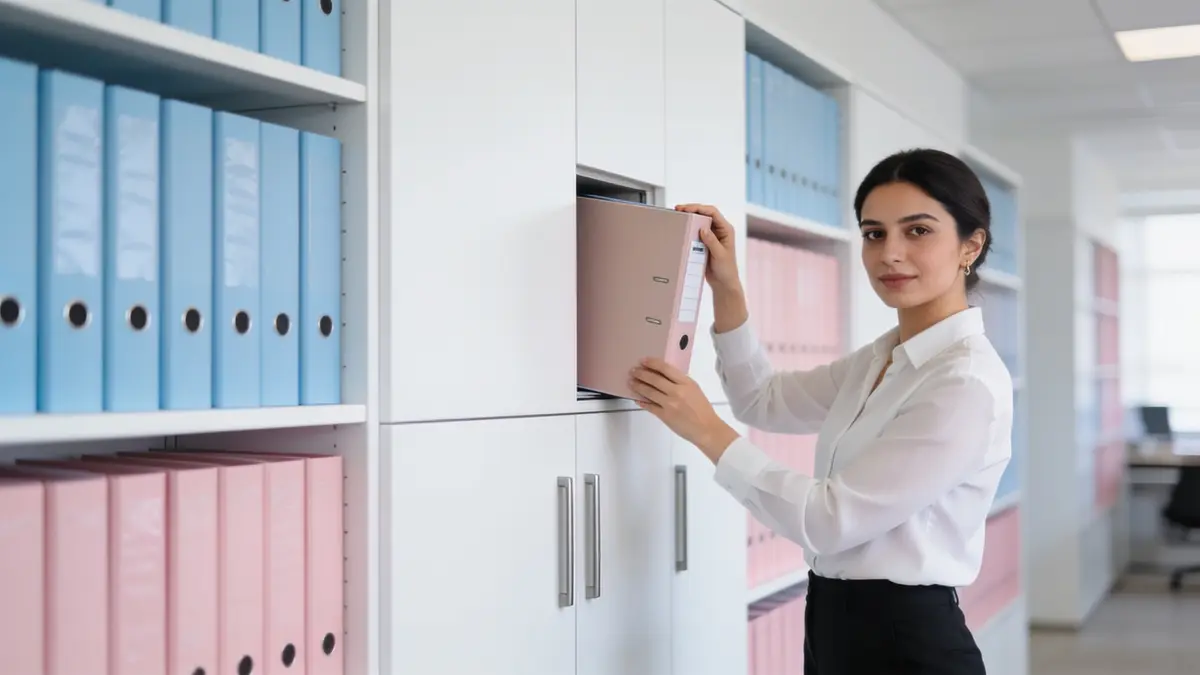
A document management system is software that keeps a company's documents, such as contracts, quotes, invoices, drawings, and correspondence, in one order, makes them findable, tracks their versions, and controls who can see them. It is often shortened to DMS. In an office that lives on a shared folder, the road runs like this: from a file named "contract_final_reallyfinal.pdf" to an order where each document sits on the customer record it belongs to.
01.What does a document management system do?
A document management system stores the document, makes it findable, tracks its versions, ties access to permission, and logs who opened it.
The parts of a DMS are well known: a central store, tags and search that find a document by more than its name, a history that keeps earlier versions, permissions that decide who can see what, an access log that shows who opened what, and rules that set how long a document is kept.
When assessing a DMS, think by document type. A contract is kept for a long time and must not change; a drawing is revised often; an invoice is kept according to tax rules. One rule does not fit them all, and the system should recognise the difference. The need a DMS meets comes from everyday work: the time lost searching for documents and the cost of work done from the wrong one. Scanned paper documents belong to this order as well; the scan of a signed contract enters the record along with where the original is kept.
Example scenario: Picture an architecture practice in İstanbul. The client asks for another revision, the contractor is working from the previous drawing, and nobody in the office is sure which file is the latest. A DMS answers the question because it leaves it to the record, not to the file name.
02.Why is a shared folder not enough?
A shared folder stores the file but not its context: which customer and which quote it belongs to, and who downloaded it, stay invisible.
The problems of a shared folder build up over time. Everyone names files by their own rule. Copies of the same quote multiply in different folders. Some important documents stay in inboxes as email attachments. The files on a departing employee's desktop leave with them.
In an accounting office the same invoice PDF sits in the shared folder, in email, and on a desktop; which one was booked is only clear by opening them. Rules written for the folder structure are usually short-lived too; when the person who set them leaves or work speeds up, everyone goes back to saving files wherever is easiest.
The hardest question stays unanswered too: who downloaded this contract? A shared folder usually does not record it. In a dispute or a data leak, without that information you are left with guesswork.
03.What changes when a file is tied to the customer record?
The document is found from the customer, quote, or project record rather than a folder path, and its context comes with it.
Example scenario: Picture a showroom. After delivery the customer calls and asks for the invoice and the warranty document. With a folder structure the sales rep searches first by name, then by date, then by invoice number. With files tied to the record, they open the customer card: quote, contract, invoice, and delivery note sit side by side.
A side effect of tying files to the record is that searching changes. You do not need to remember the file name; knowing the customer, the subject of the quote, or the project is enough.
An order tied to the record asks for a new habit too: saving the file to the customer card, not the desktop. The habit settles when the card is the easiest place to save; if the card is already open, the file goes there.
In Corex360 this principle runs through Corex Drive: files sit inside the record they belong to. On the customer card, the Files and Drive tabs sit next to the quote, contract, and project tabs. How drawings and approval files build up in these tabs is shown in architecture practice project tracking.
04.Why think about versions, permissions, and access logs together?
Versions point to the right document, permissions to the right person, and access logs show who saw what; when one is missing, the others weaken.
In a system without version history, even if you find the right document you cannot tell which change was made when. Without defined permissions, the payroll file is in front of everyone. Without an access log, nobody knows who opened it.
In an accounting team the three work together: the final signed contract sits on the record, only those whose role allows it can open it, and every open and download is written down with who and when. If something goes wrong, the question is answered from the log, not by guessing.
Retention belongs in this picture too. Some documents must be kept for a legal period, while some personal data should be deleted once the purpose of processing is gone. When a document is tied to the record, which rule applies to it can be read from the record as well. Defining permissions by role rather than file by file makes the work easier: sales sees quotes, accounting sees invoices, the manager sees everything.
05.How should documents be shared outside the company?
Documents should be shared outside the company through a time-limited, permission-bound link that can be revoked, not an email attachment; every view and download should be logged.
If the architecture practice sends the drawing to the contractor as an email attachment, the file has left the practice's control. Even after the job ends, it sits in the contractor's inbox, perhaps on someone else's computer. A time-limited link has an end; when the job is done, the link is closed.
Email attachments have another problem: large drawing files often do not fit, and the office falls back on personal file-sharing accounts. The company's document then sits in an account the company cannot see. With a time-limited link, the office knows which version the recipient opened; in a dispute, "I never saw that drawing" does not stand against the log. Who each shared link went to should sit on the record as well; seeing which links are still open when the job ends is the first step to closing them.
In Corex Drive, sharing uses a time-limited, permission-bound link; the link can be revoked, and every view and download is logged. You can find short answers on sharing, access logs, and hosting on the Corex Drive and security questions page.
06.Where do documents live in Corex Drive?
In Corex Drive a file sits inside the record it belongs to; access is role-based, and downloads and permission changes are logged by Corex360 Security.
Signed contracts and legal files are tied to the relevant record; when an employee leaves, the document stays in the company, on the customer card. Permissions are role-based, and permission changes are logged. Data lives in a company-specific space on Corex360 Cloud or on your own server. The scope and limits are set out on the Corex Drive document management page. Version history is not promised in Corex Drive today.
Corex Drive works not like a separate file server but like a tab on the customer card. The salesperson who prepares the quote, accounting who keeps the contract, and the project team who shares the drawing all look at the same file inside the same record.
Bring your own document setup to the demo: let us look side by side at how many places you check today to find a contract, and where the same document sits when it is tied to the record.
07.How are Corex Drive folders organised in Corex360?
In Corex Drive a file sits inside the record it belongs to, and the Corex360 customer card has Files and Drive tabs.
Corex Drive has these sections: My Drive, Shared spaces, Labels, Starred, Recent, Shared and Trash. Shared spaces are common folders set up by department or topic, and the organisation defines its own labels. The dashboard shows personal and shared storage use and the spread of file types. Every view and download in Drive is logged, and sharing uses timed, permission-bound links that can be revoked.
Sources
How was this page prepared?
- Written by: Şevket Erer, Co-founder, AI Specialist
- Sources: legislation, official body, and vendor information is taken from the primary sources in the Sources list on this page; each source shows the date it was last checked.
- Product information: sentences about Corex360 rest on the company's product fact records; unconfirmed features are not written.
- Use of AI: the Corex360 team writes the text; AI tools are used for drafting and translation. Publishing principles
- Dates: first published , last updated . Corrections policy
Frequently asked
01What is a document management system?
A document management system is software that keeps company documents in one order, makes them findable, tracks their versions, and controls who can see them. It is often shortened to DMS.
02Is a DMS the same as cloud storage?
No. Cloud storage keeps and shares files. A DMS adds which record the document belongs to, its version history, permissions, and an access log.
03How should a contract archive be kept?
The signed contract should sit on the customer record it belongs to, only those whose role allows it should be able to open it, and every open and download should be logged. That way the document stays with the company, not with an employee.
04Why do documents need version control?
Without version history, even if you find the right document you cannot tell which change was made, when, and by whom. For drawings and contracts that are revised often, that information prevents disputes.
05What happens to old folders when moving to a DMS?
Old folders are not moved all at once; first the documents of open jobs are tied to their records, and the archive moves as needed. If the old folder is kept read-only until the move ends, new files are not saved in the wrong place.
06What happens to files when an employee leaves?
In Corex360 files sit inside the record they belong to, not on the employee's computer. Access is role-based, permission changes are logged, and the document stays on the customer card.
We listen to your business with a few short questions and prepare a live online demo with your channels.
Related articles
Keep reading.
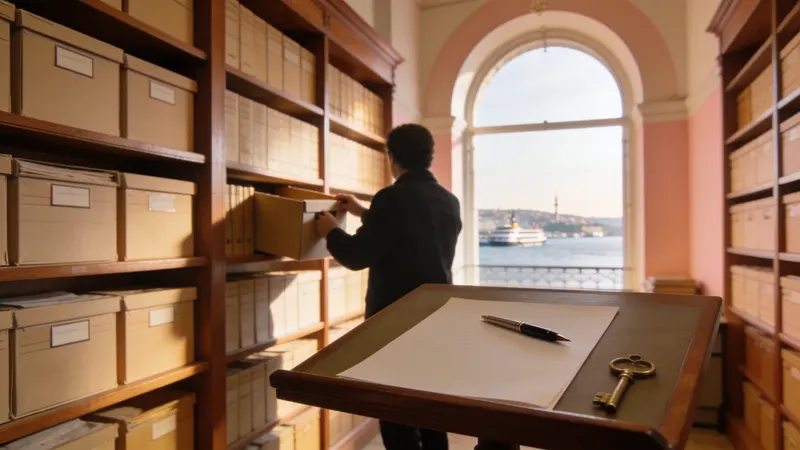
A contract archive stores the signed contract, annexes, and dates with logged access. Wet and e-signatures, file naming, notice dates, and access.
DateRead the article01Business intelligenceWhat is business intelligence, and how does it differ from reports and KPI dashboards?
Business intelligence links scattered records and brings forward what needs a decision. Its parts, how it relates to reports and KPI dashboards, and its uses.
DateRead the article02Business intelligenceWhat is a KPI dashboard? The first screen a manager opens in the morning
A KPI dashboard shows where a company stands against its goals, with thresholds and owners on one screen. Many get ignored over time, for reasons you can avoid.
DateRead the article03Business intelligenceManagement report or decision screen: where the Excel report stops
A management report sums up a period for whoever decides; an Excel report freezes the moment it is made. Excel still does some of those jobs well.
DateRead the article04AssistantWhat is a rule engine in business processes: reminders, assignment, approval
A rule engine turns work held in memory into a written rule: trigger, condition, action. In a sales office, some work fits a rule and approval stays.
DateRead the article05On-premiseWhat is on-premise CRM? What keeping data in-house really means
On-premise CRM runs on the company's own server. Setup and updates then need a named owner, and security does not come by itself with the hardware.
DateRead the article06AssistantWhat an AI assistant in a CRM does, and what it does not
An AI assistant in a CRM reads, summarises, drafts, and follows up; the decision stays with you. Ask about the risk of wrong answers before you choose one.
DateRead the article07SecurityCloud or own server under KVKK: where does the data live
Under KVKK (Turkish data law), cloud versus own server is less about location than about who processes and accesses data. That shapes what you ask.
DateRead the article08